
Open the case sheet & record vitals
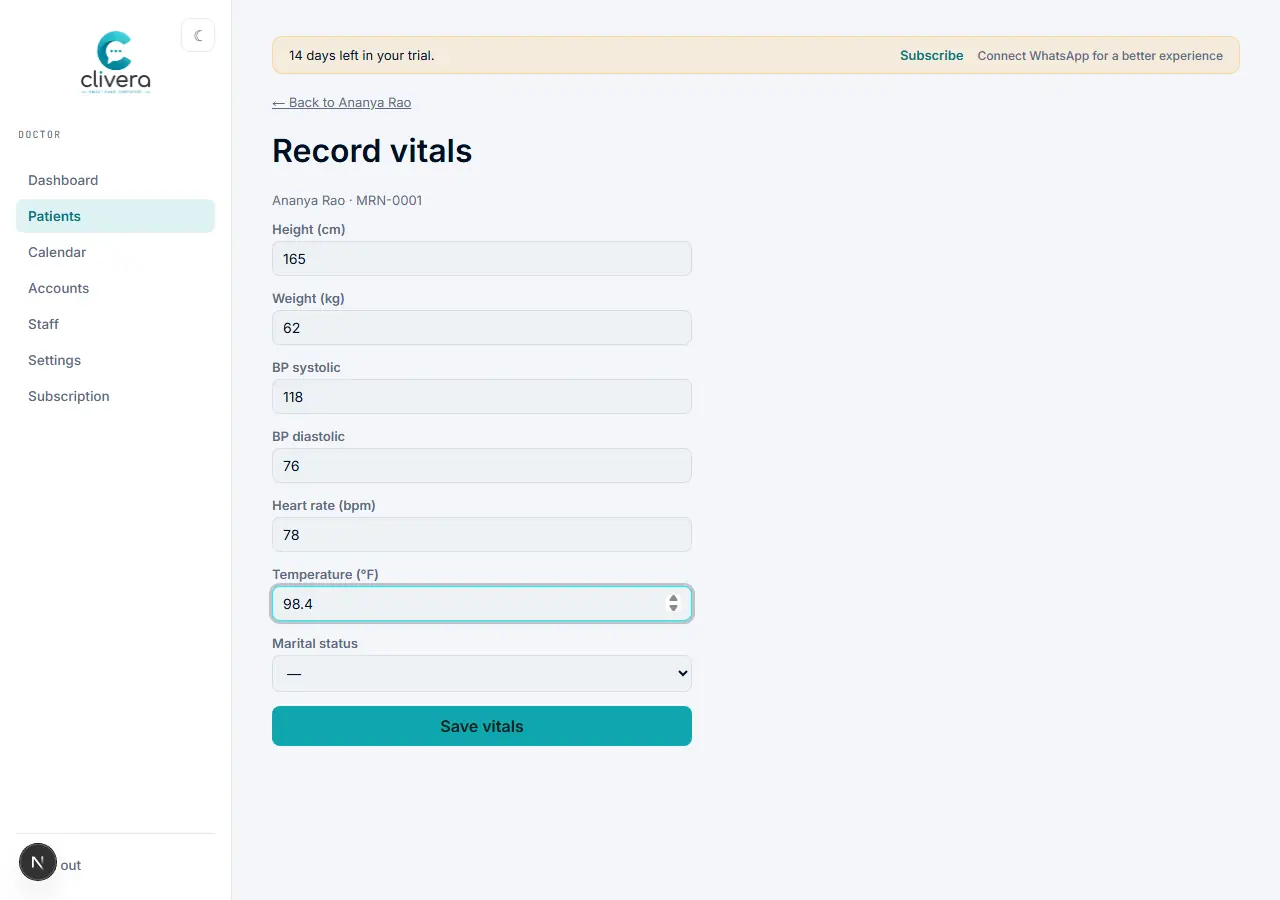
Capture height, weight, BP, and pulse before you start the consult.
Steps
- From the patient’s visit, open Vitals.
- Enter height and weight — Clivera calculates BMI automatically and shows it on the case sheet’s body-scan panel.
- Enter blood pressure and pulse; any optional vitals you turned on in Settings (e.g. temperature, SpO₂) appear here too.
- Save — the case sheet’s left-hand panel now shows these as read-only reference while you work the consult.
Done when
Vitals are saved and visible on the case sheet’s patient panel without needing to re-enter them.