
Connect WhatsApp
Link your clinic’s WhatsApp number so patients can message and book, and reminders can go out automatically.
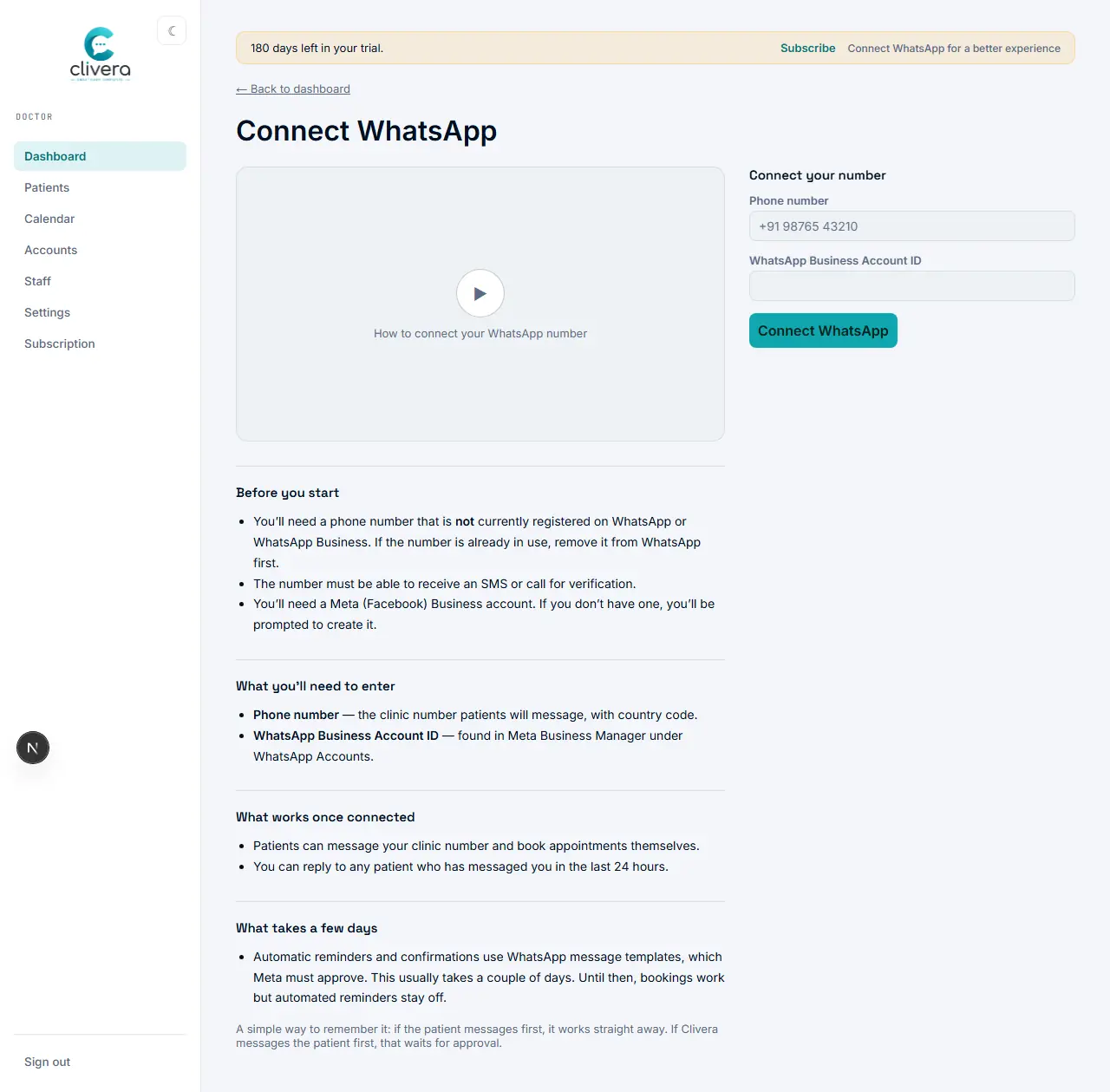
Steps
- From the dashboard, open "Connect WhatsApp".
- Before you start: the number must not already be registered on WhatsApp or WhatsApp Business (remove it first if it is), it needs to be able to receive an SMS or call for verification, and you’ll need a Meta (Facebook) Business account.
- Enter the clinic’s phone number, with country code, and the WhatsApp Business Account ID from Meta Business Manager’s WhatsApp Accounts page.
- Submit to connect the number.
- Once connected, patients can message the number and book themselves, and you can reply to anyone who has messaged in the last 24 hours — this part works immediately.
- Automatic reminders and confirmations use message templates, which Meta has to approve — this typically takes a couple of days. Bookings work in the meantime; only the automated outbound reminders wait on approval.
Done when
The clinic number shows as connected on the dashboard, and a test patient message comes through.