
Generate a bill & collect payment
Bill the visit and collect payment straight to your own UPI account.
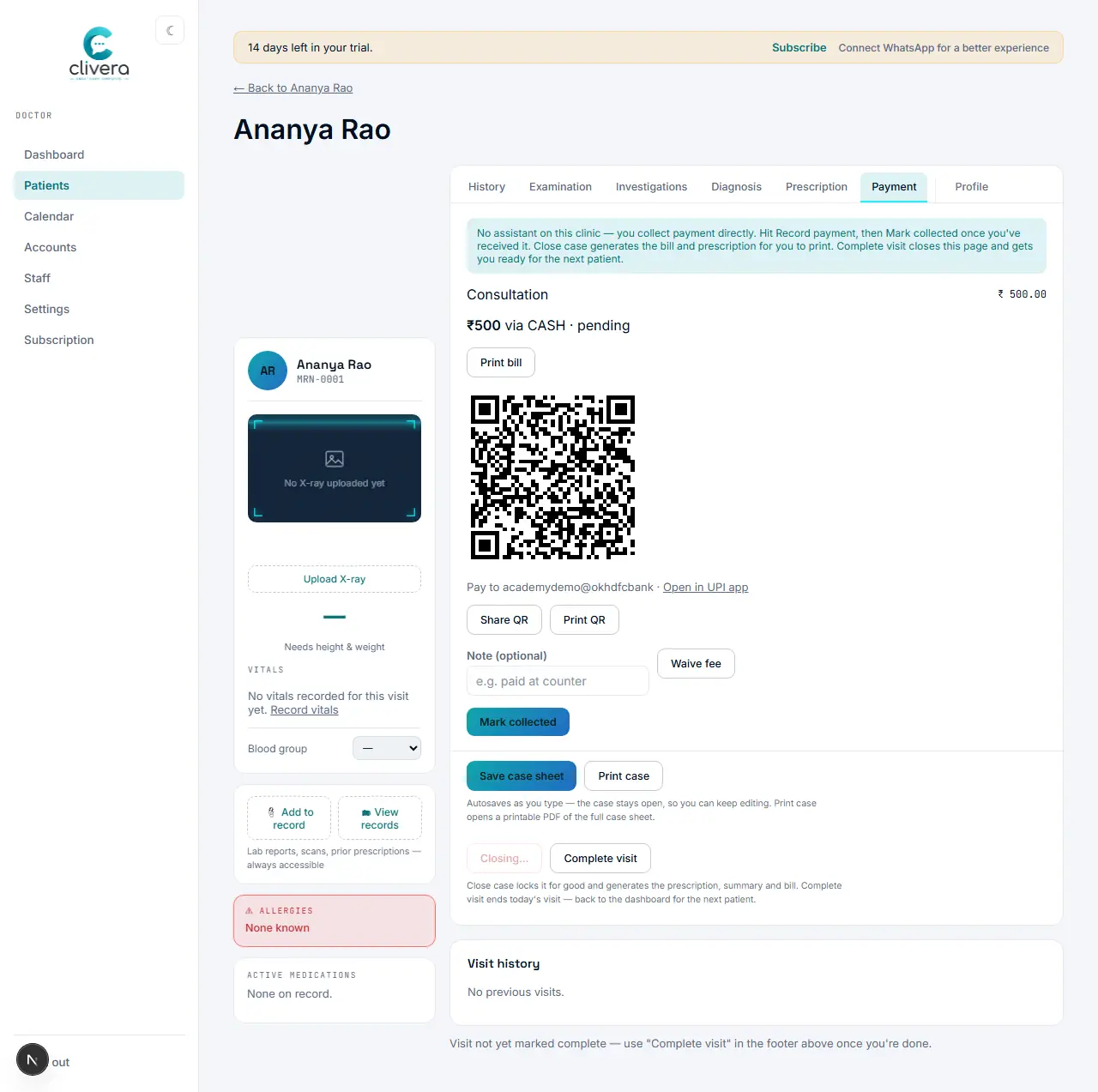
Steps
- Open the Payment tab on the case sheet.
- Add one or more line items with a description and amount — the total payable adds them up automatically.
- Select a method and hit "Record payment" — this saves the itemized bill against the visit and marks it ready to collect.
- If your UPI ID is set, a QR code appears — the patient scans it and pays directly into your account; Clivera never touches the money.
- Once the patient has paid, hit "Mark collected" (an optional note is fine to add).
Done when
The payment shows as collected, and the visit’s bill reflects the amount and method recorded.