
Book an appointment or register a patient
Get a patient into the system, whether they booked ahead or just walked in.
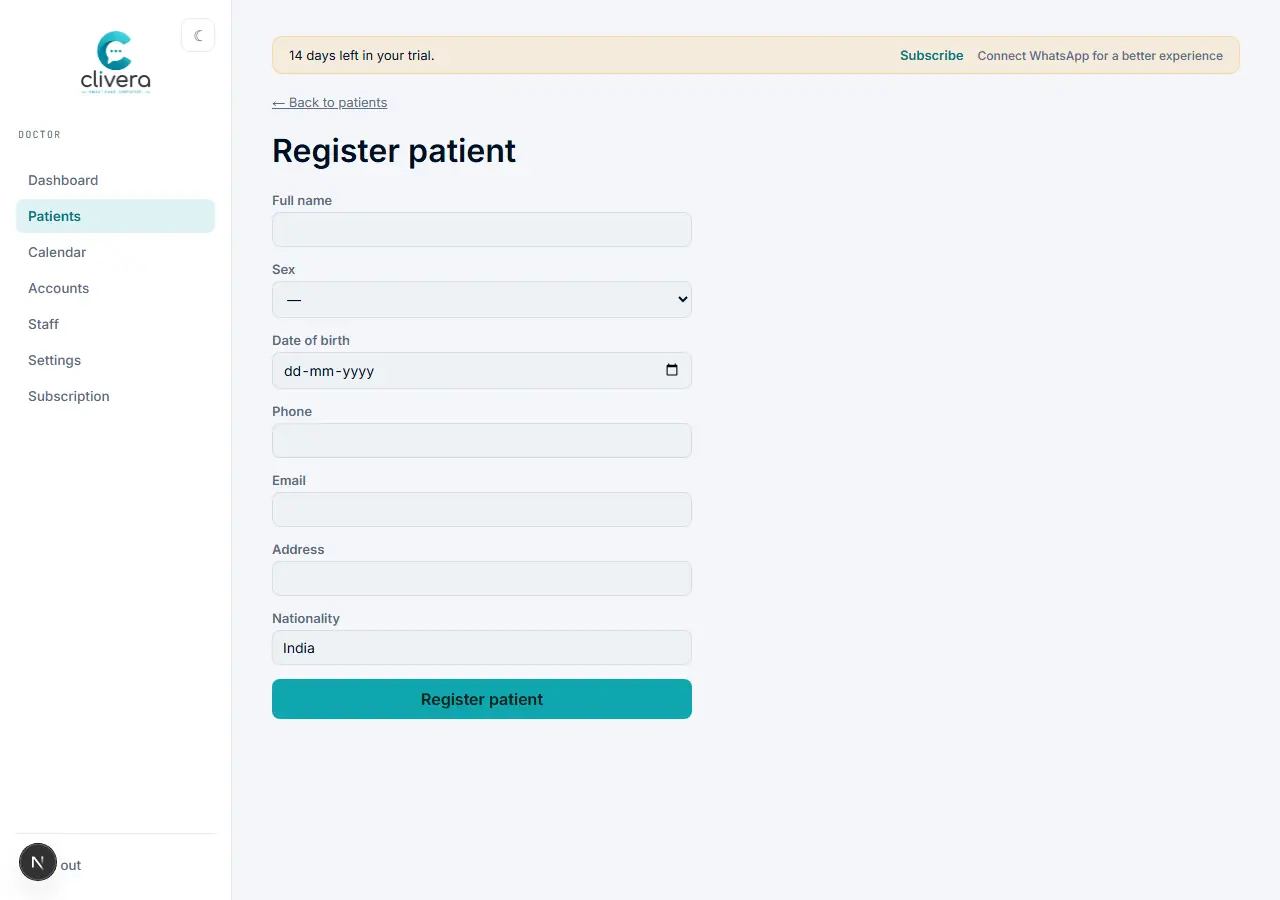
Steps
- New patient: from the dashboard, select "+ New case sheet" (or Patients → Register patient) and fill in name, sex, date of birth, phone, and address.
- For a booked slot instead: open the Calendar, pick the date, and use "Book" on an open time, then fill in the patient’s details there.
- Patient physically at the desk right now: open "Walk-in", search for them by name/MRN/phone (or register them fresh if they’re new), and select "Check in →" with an optional reason for the visit.
- If the patient has visited before, always search for them first under Patients or Walk-in instead of creating a duplicate record.
Done when
The patient appears on today’s queue with a status ready to move into vitals or the case sheet.