
Close the case & print
Lock the visit and hand the patient their prescription, summary, or bill.
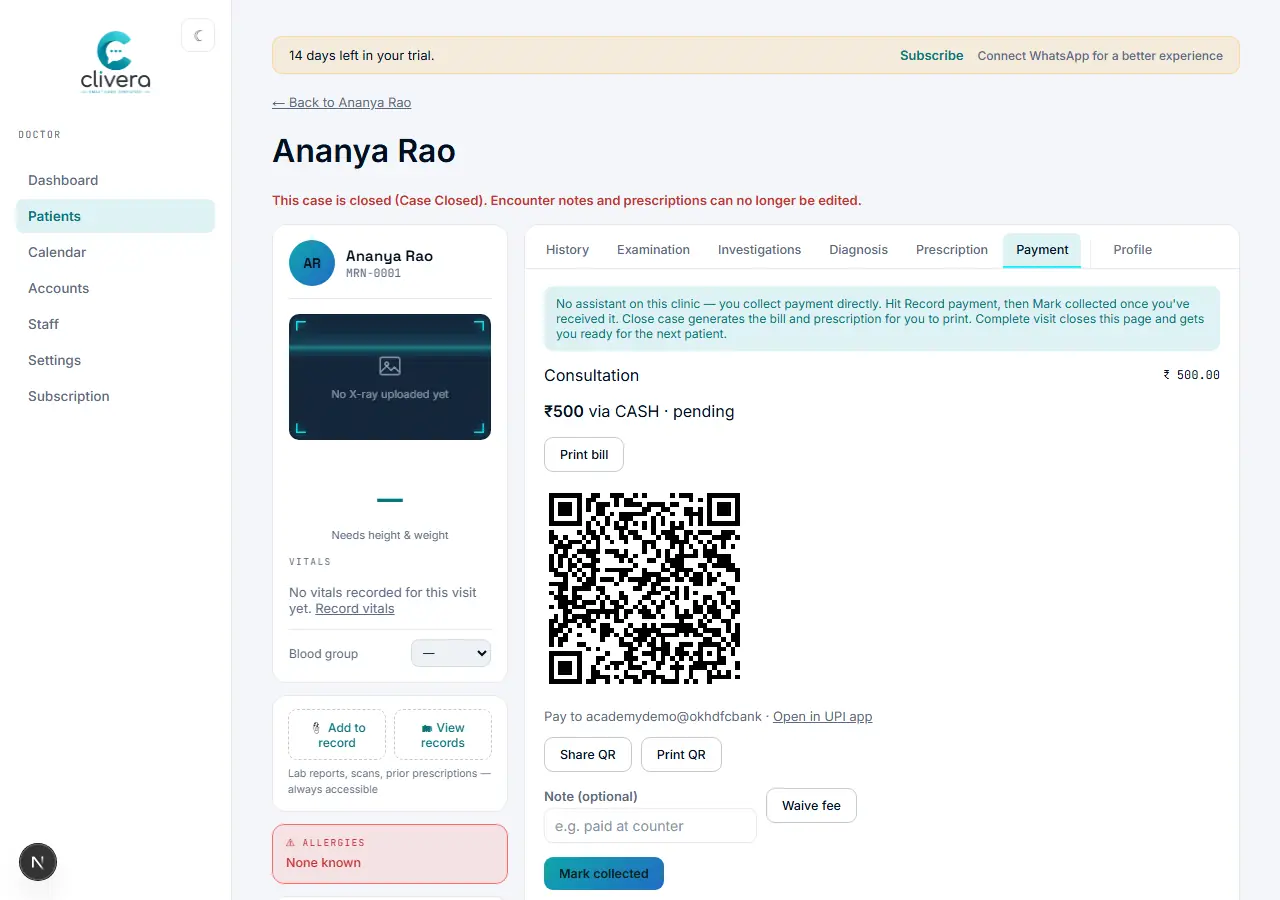
Steps
- Once history, examination, diagnosis, prescription, and payment are done, hit "Close case" from the case sheet's footer — this asks you to confirm, since it's not reversible.
- A closed case locks further edits to that visit — encounter notes and prescriptions can no longer be edited, enforced by the system, not just a convention.
- Print (or save as PDF) the prescription, the visit summary, or the bill — each carries your clinic letterhead, logo, and signature/stamp automatically.
- Hand the physical printout to the patient, or share the PDF. "Complete visit" then closes the page and gets you ready for the next patient.
Done when
The case sheet shows "This case is closed" and you can produce a printed Rx, summary, and bill that all carry your branding.