
Pick up a ready patient and consult
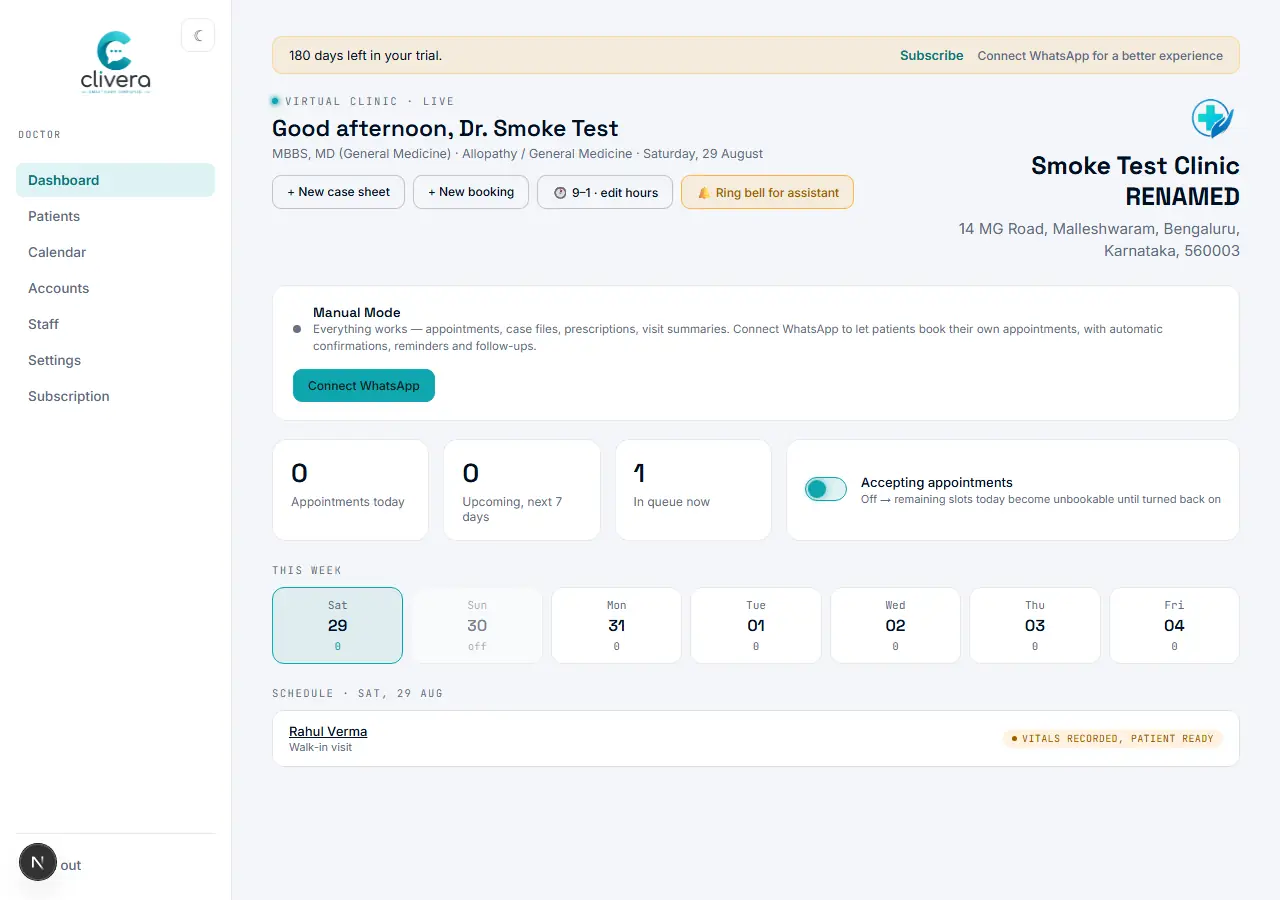
See the same "ready" signal on your own dashboard, and open the case sheet the assistant can’t reach.
Steps
- On your dashboard, the patient’s row shows "Vitals recorded, patient ready" the moment the assistant saves vitals — it’s live, no refresh trick needed.
- Click the patient’s name to open their record.
- Select "Open case sheet" — vitals, blood group, allergies, and BMI are already there, exactly as the assistant entered them.
- Work the visit as usual: History → Examination → Investigations → Diagnosis → Prescription.
Done when
The case sheet opens pre-filled with the assistant’s vitals, and the visit status moves to "In consult."