
Collect payment at the front desk
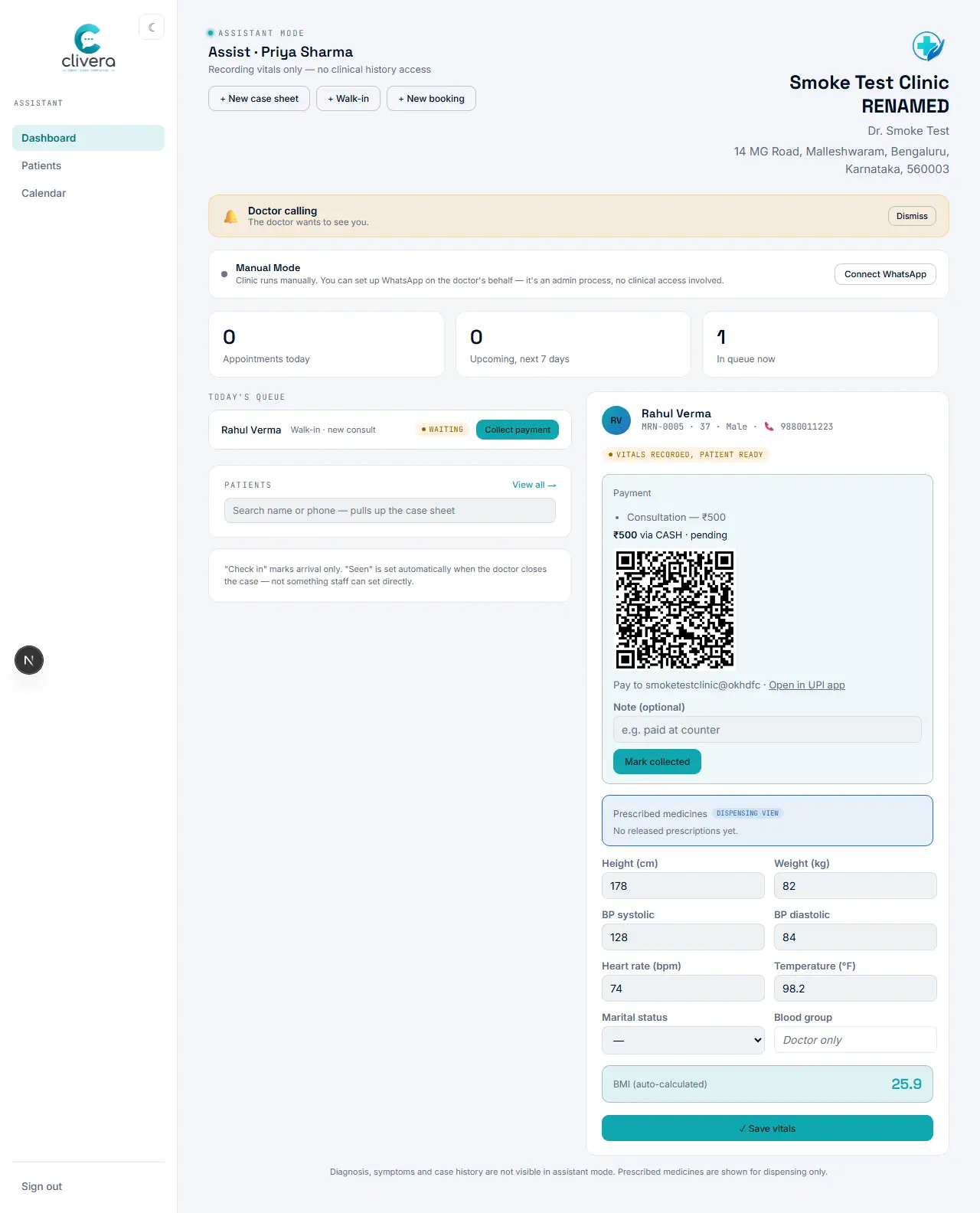
Once the doctor records an amount, the assistant collects it — QR code and all — without leaving the dashboard.
Steps
- From the case sheet’s Payment tab, the doctor enters the amount and records it.
- The moment that happens, a Payment panel appears in the assistant’s active-patient view on the Assist dashboard.
- If the clinic’s UPI ID is set, a QR code appears there too — the patient scans it and pays straight into the doctor’s own account.
- Once paid, the assistant selects "Mark collected" (an optional note like "paid at counter" is fine to add).
Done when
The Payment panel on the Assist dashboard shows the amount and method as collected.